Blocking with Apple Screen Time
Push Up Time only manages the apps and websites you pick in Apple’s Screen Time picker. You can change them, or revoke the permission in iOS Settings, at any time.

Pick the apps and websites that pull you in. Push Up Time blocks them with Apple’s Screen Time, and a quick set of push-ups, squats or a plank earns you time back.

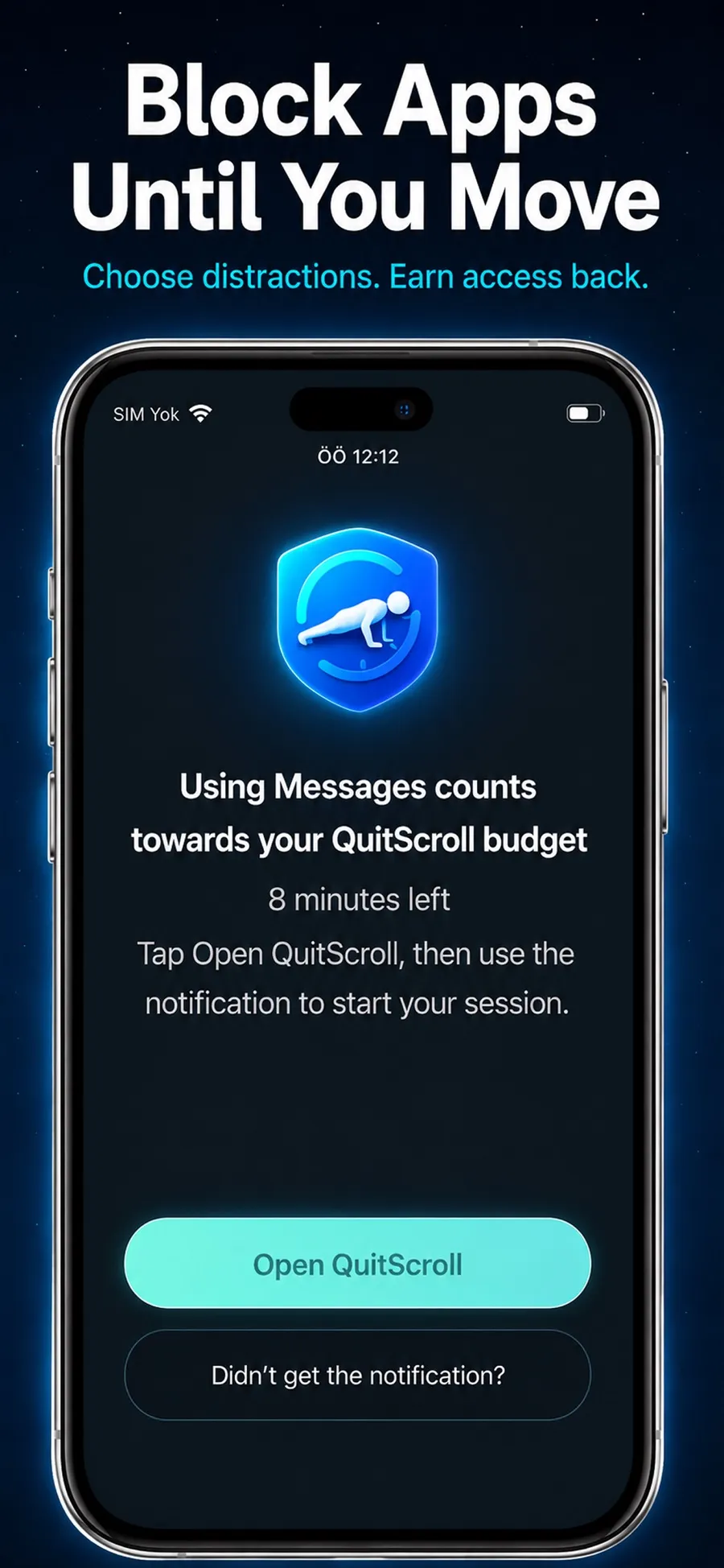
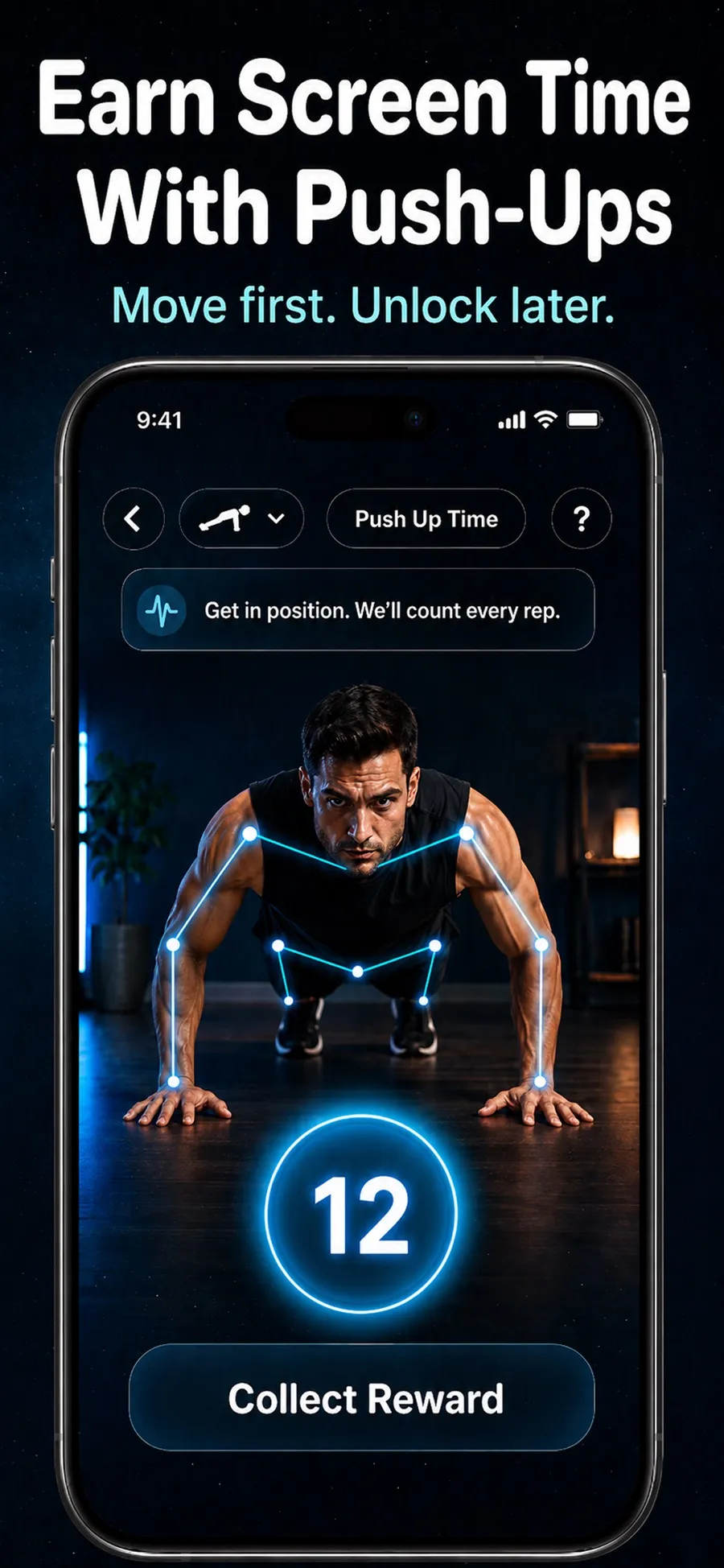
A short workout stands between you and the next scroll.
Select distracting apps and websites with Apple’s Screen Time picker.
Pick push-ups, squats or a plank. The camera counts your reps or your hold time.
Each workout adds unlock time to your balance. You spend it in short sessions on the apps you blocked.
The camera is used only to detect movement and count reps or hold time. Video isn’t recorded, stored or uploaded.
An app blocker that gives you a healthier way back in, instead of only locking you out.
Push Up Time only manages the apps and websites you pick in Apple’s Screen Time picker. You can change them, or revoke the permission in iOS Settings, at any time.
Get in position and the camera counts your push-ups and squats, or times your plank.
Workouts add to a screen time balance that you use in short unlock sessions.
A journey with levels and badges helps the habit stick.
Start right away. There’s nothing to sign up for.
Screens from the current App Store listing.
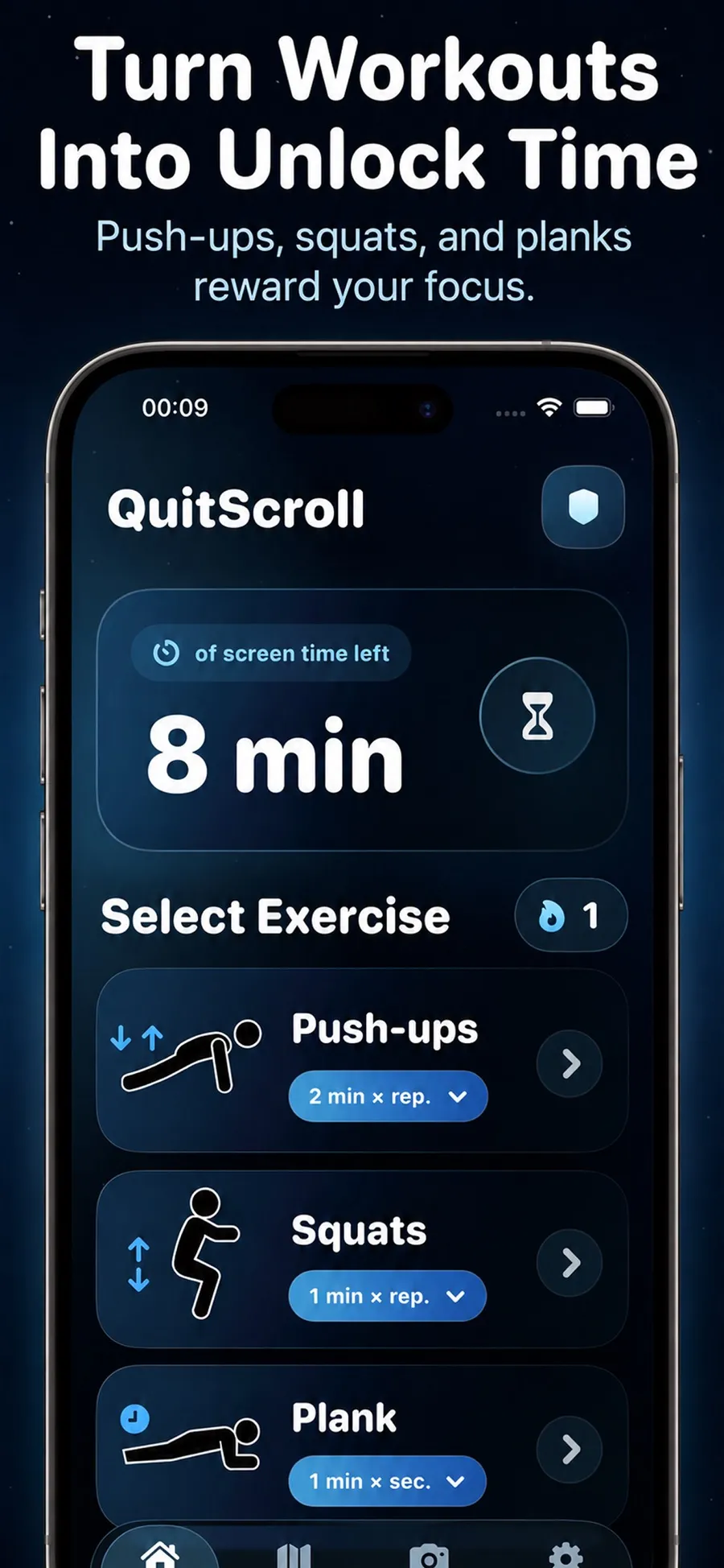
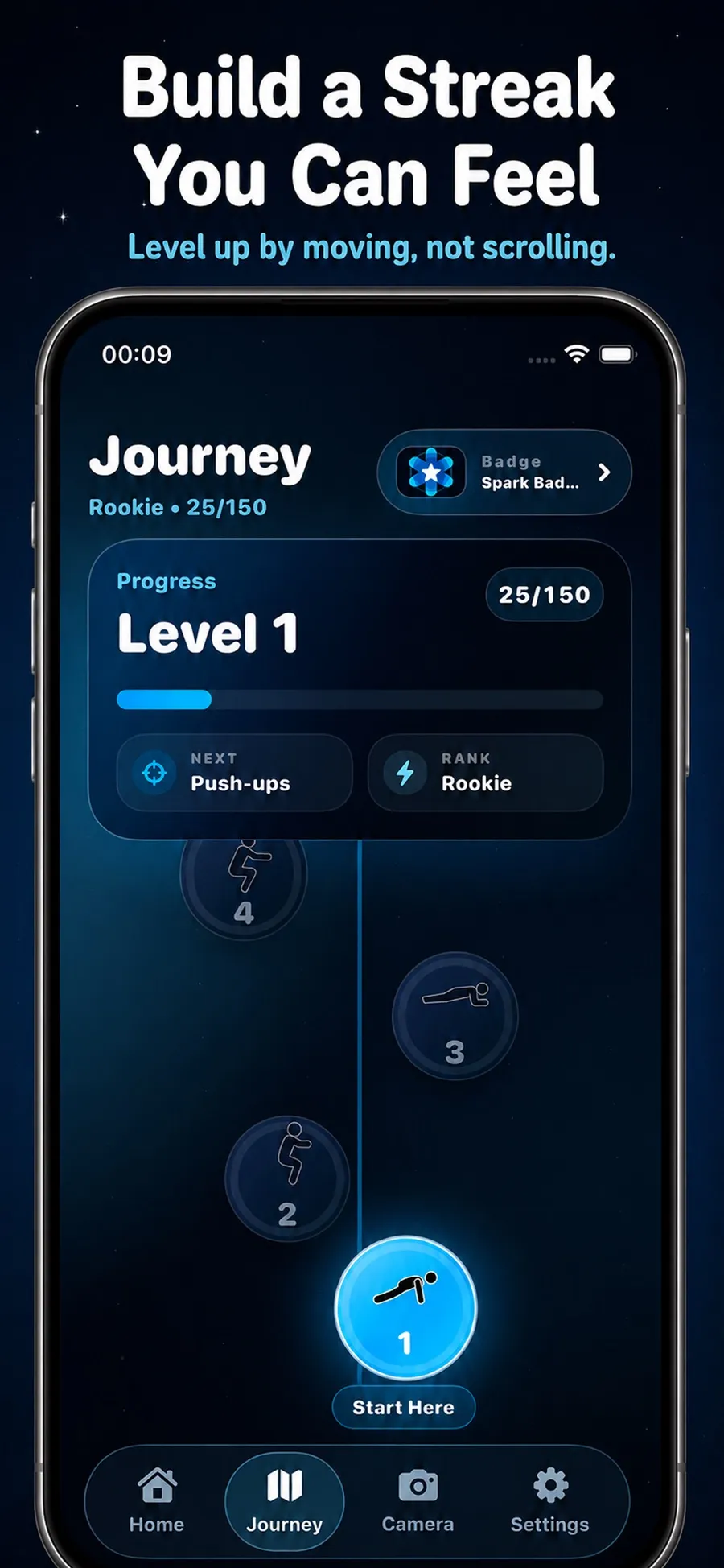
The camera only detects movement to count reps or hold time. Video isn’t recorded, stored or uploaded. Your Screen Time selections stay under your control in iOS Settings.
The App Store privacy label lists the data the app collects, including fitness data, purchase history, coarse location, a device ID, usage data and diagnostics.
The download is free. Premium is available as an in-app purchase, with current prices shown in the App Store for your country.
It uses Apple’s Screen Time. You choose apps and websites in Apple’s picker, and they stay blocked until you earn time with a short workout.
No. The camera only detects movement to count reps or hold time. Video isn’t recorded, stored or uploaded.
Push-ups, squats and planks.
Yes. You can change your selections in the app, or revoke the Screen Time permission in iOS Settings.
No. It’s a productivity and digital wellness app that uses short bursts of movement. It isn’t a medical or fitness coaching app.
No. Push Up Time is for iPhone with iOS 17 or later.
Earn your next unlock with a few push-ups.