Count down together
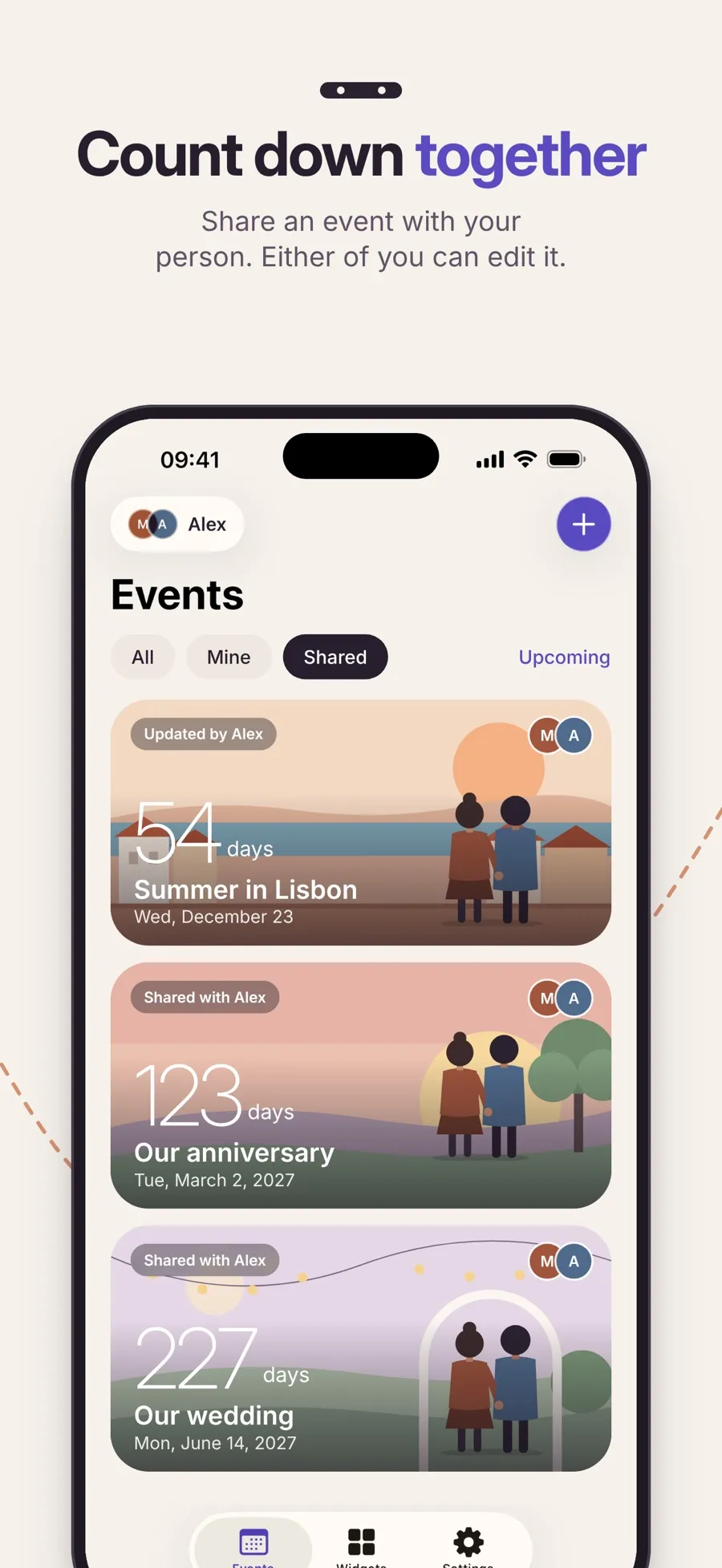
Pair with one person, such as a partner, a close friend or family. Either of you can edit a shared event, and the change appears on both phones.

A wedding, a summer trip, a birthday, an anniversary. Add the date, see exactly how many days are left, and share the countdown with the one person you’re waiting with.

From a date in your head to a countdown on both phones.
Name it, pick a category and a date. Add a time if the moment has one, and choose days or days, hours and minutes.
Choose Only me to keep it to yourself, or share it with your person. Shared events show up on both phones and either of you can edit them.
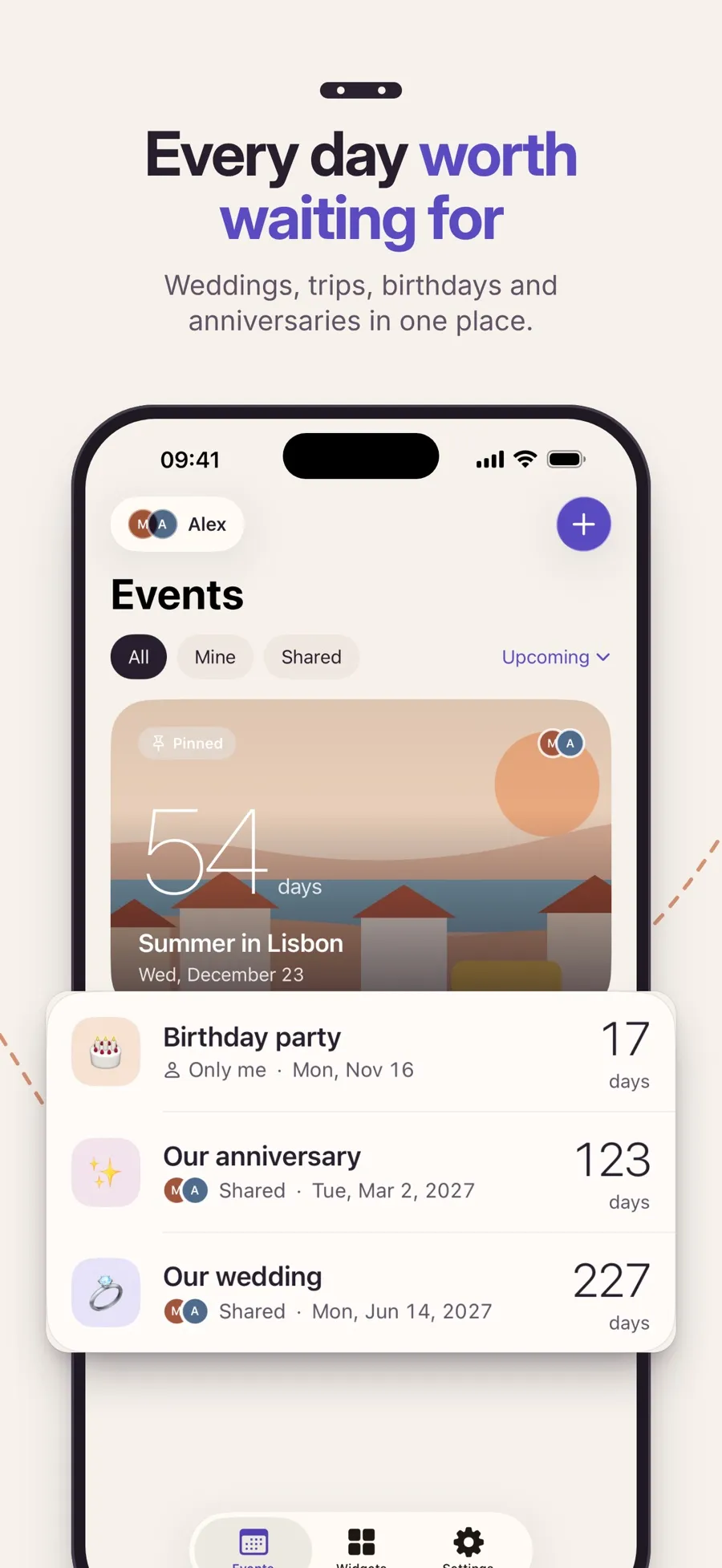
The list shows how many days are left. On the day it says Today, never a negative number.
You can use it on your own without an account. Signing in with Apple is only needed to pair with someone.
Made for the days you look forward to, and the person you look forward to them with.
Pair with one person, such as a partner, a close friend or family. Either of you can edit a shared event, and the change appears on both phones.
Weddings, vacations, birthdays, dates and special days. Pin the one that matters most to the top of your list.
Birthdays and special days can repeat yearly. For February 29, you choose whether other years use February 28 or March 1.
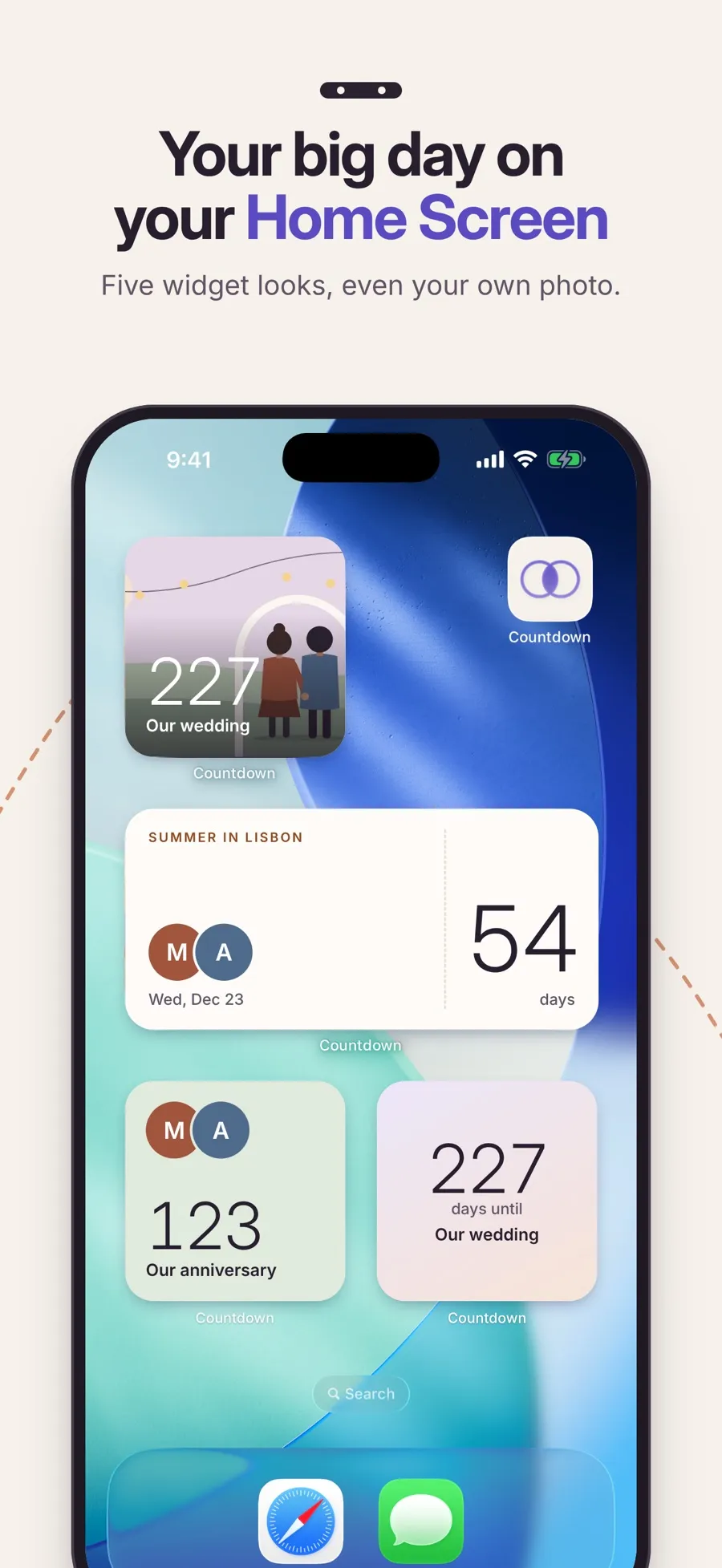
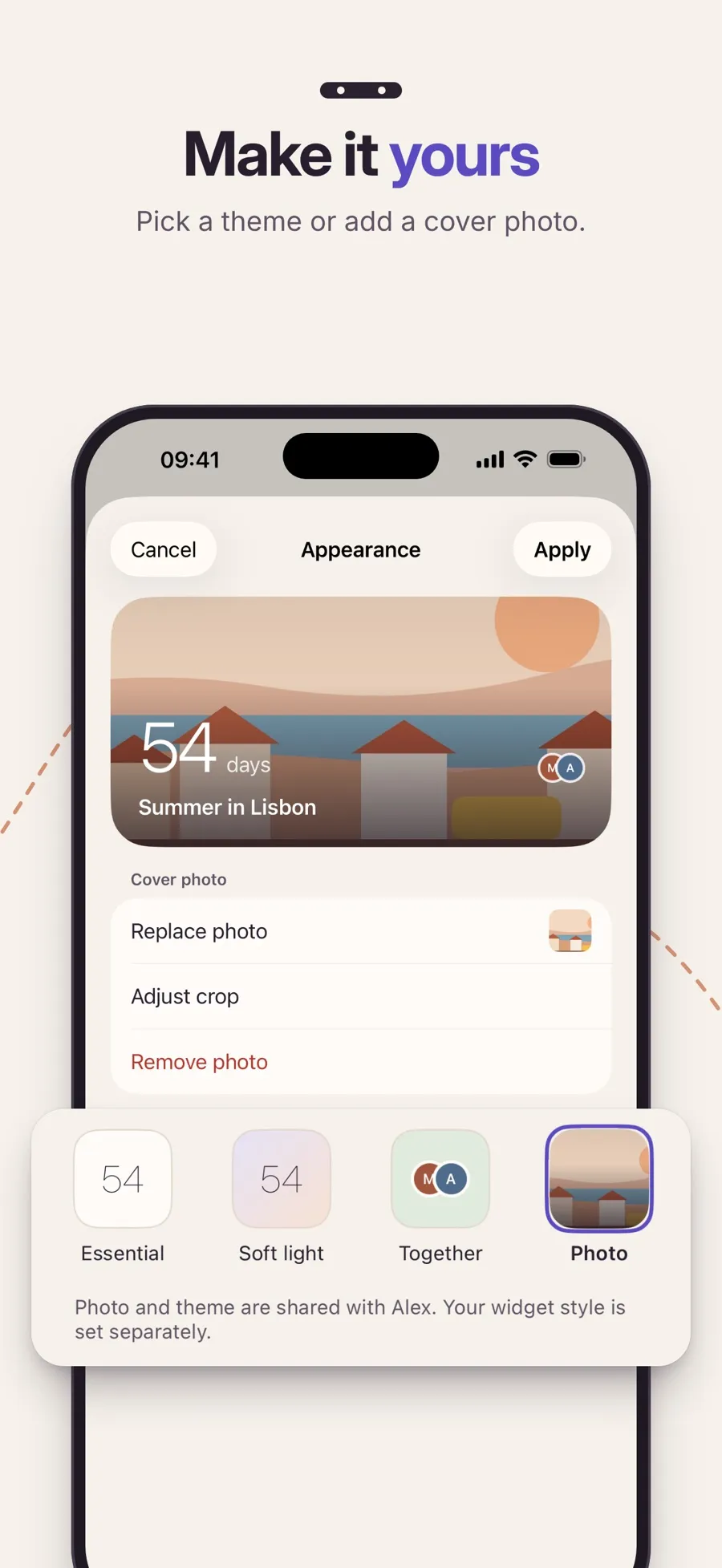
With Premium, put a countdown on your Home Screen in small or medium size, in five looks: Paper, Essential, Soft light, Together and Photo.
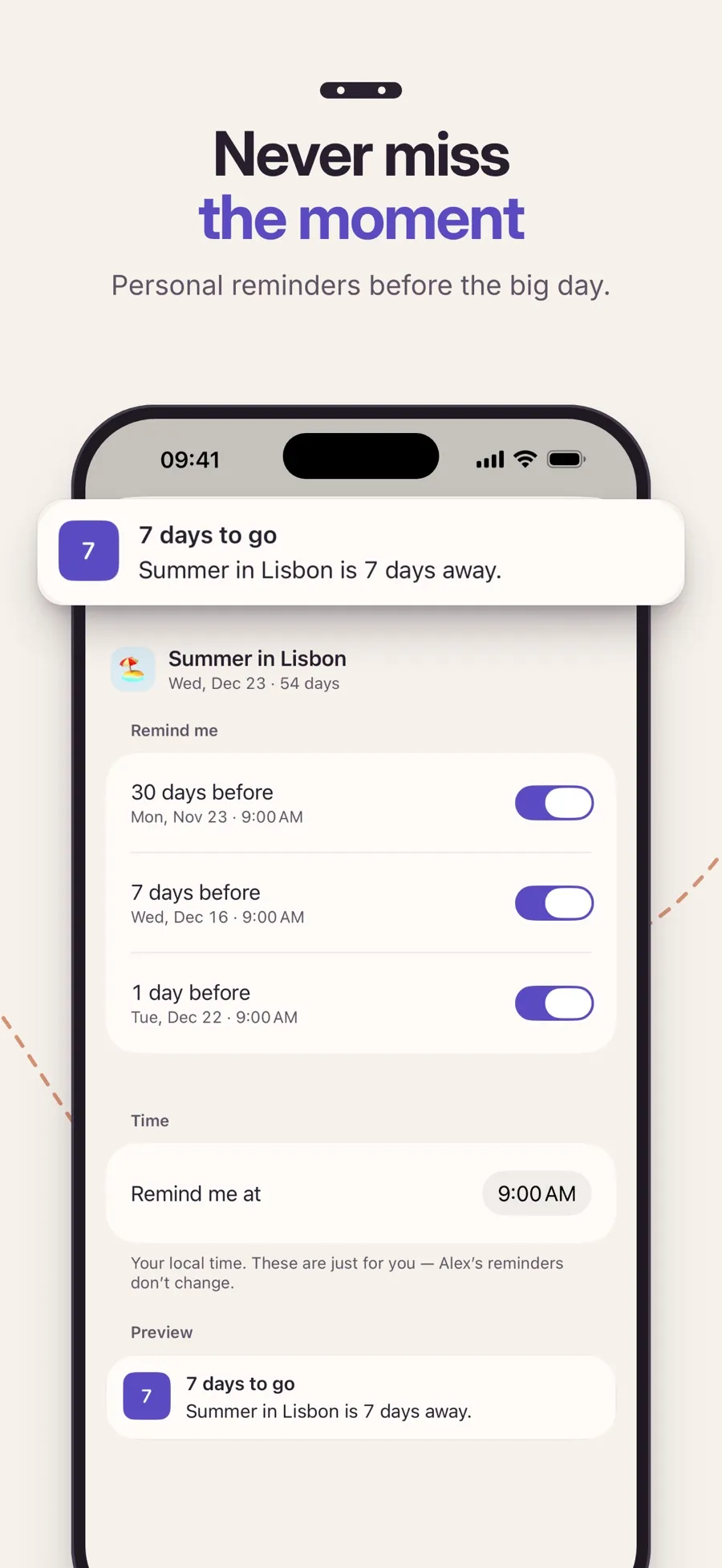
With Premium, get personal reminders 30, 7 and 1 day before, and give each event a cover photo.
Screens from the current App Store listing.
Events you keep as Only me stay on your iPhone. Events you share are stored in the app’s cloud database so both phones can show them, including the name, date, look and cover photo. You don’t need an account unless you pair with someone.
The App Store privacy label lists the data the app collects, such as your name and user ID for pairing, shared content, purchase history, a device ID and diagnostics. It isn’t used to track you.
Counting down and sharing events are free. Premium, a yearly subscription, adds Home Screen widgets, reminders, the Soft light, Together and Photo looks, and cover photos. One subscription also covers the person you’re paired with. Current prices are shown in the App Store for your country.
In Settings, open Partner and tap Invite my person. Your person enters the invite code in their app, and you’re connected. Then choose Shared when you create an event.
No. You pair with one person at a time. To pair with someone new, disconnect first.
You each keep a private copy of your shared events. Changes made after that don’t reach the other person.
Not to use it on your own. You sign in with Apple only when you want to pair and share events.
No. Home Screen widgets are part of Premium, along with reminders, cover photos and three of the looks. Counting down and sharing are free. One subscription also covers your person.
Your own events work offline, and shared events stay visible. Creating or editing a shared event needs a connection, and your partner’s changes arrive when you’re back online.
Start counting the days, together.