Reminders that fit your routine
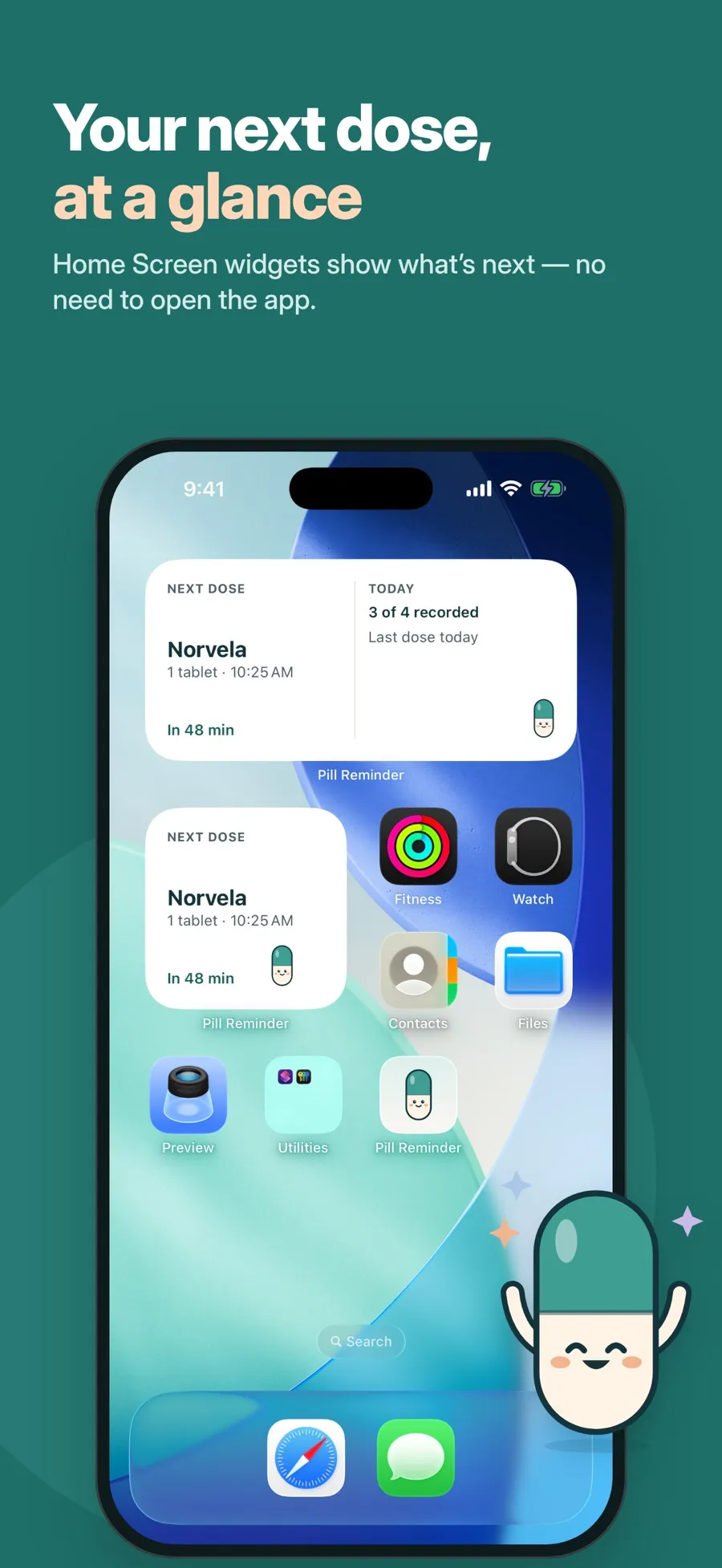
Every day or on chosen weekdays, at as many times as you need. “Remind me later” moves only that one reminder, never your schedule. On iOS 26 or later you can add a louder alarm for important doses.

Enter the schedule from your prescription, get a gentle reminder at the right time and record each dose with one tap. Medications, vitamins and supplements in one calm list.

Three steps from the pack in your hand to a record you can trust.
Type the name, the form and the amount per dose, then pick every day or specific days and one or more times.
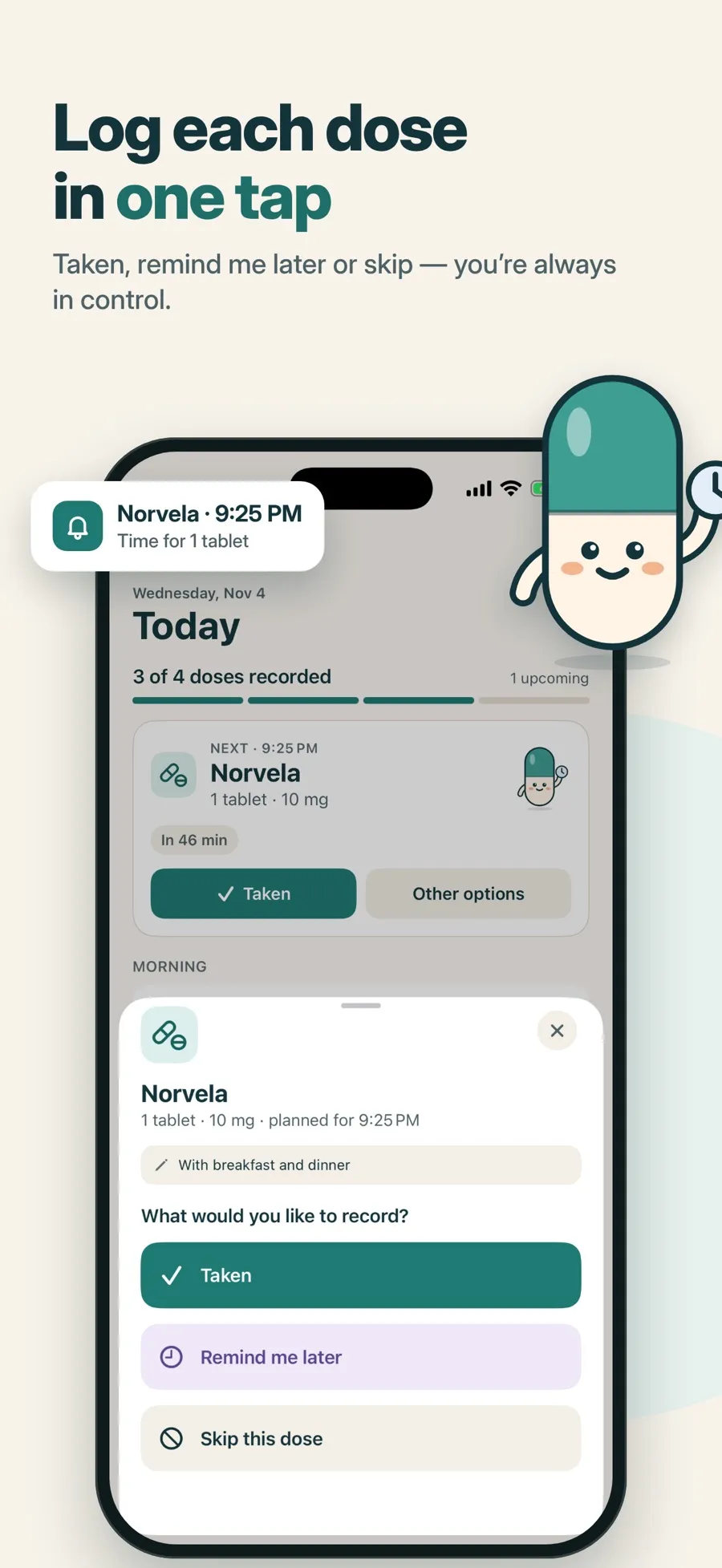
A notification arrives at each time. Tap Taken right on it, or open the app to skip the dose or be reminded later.
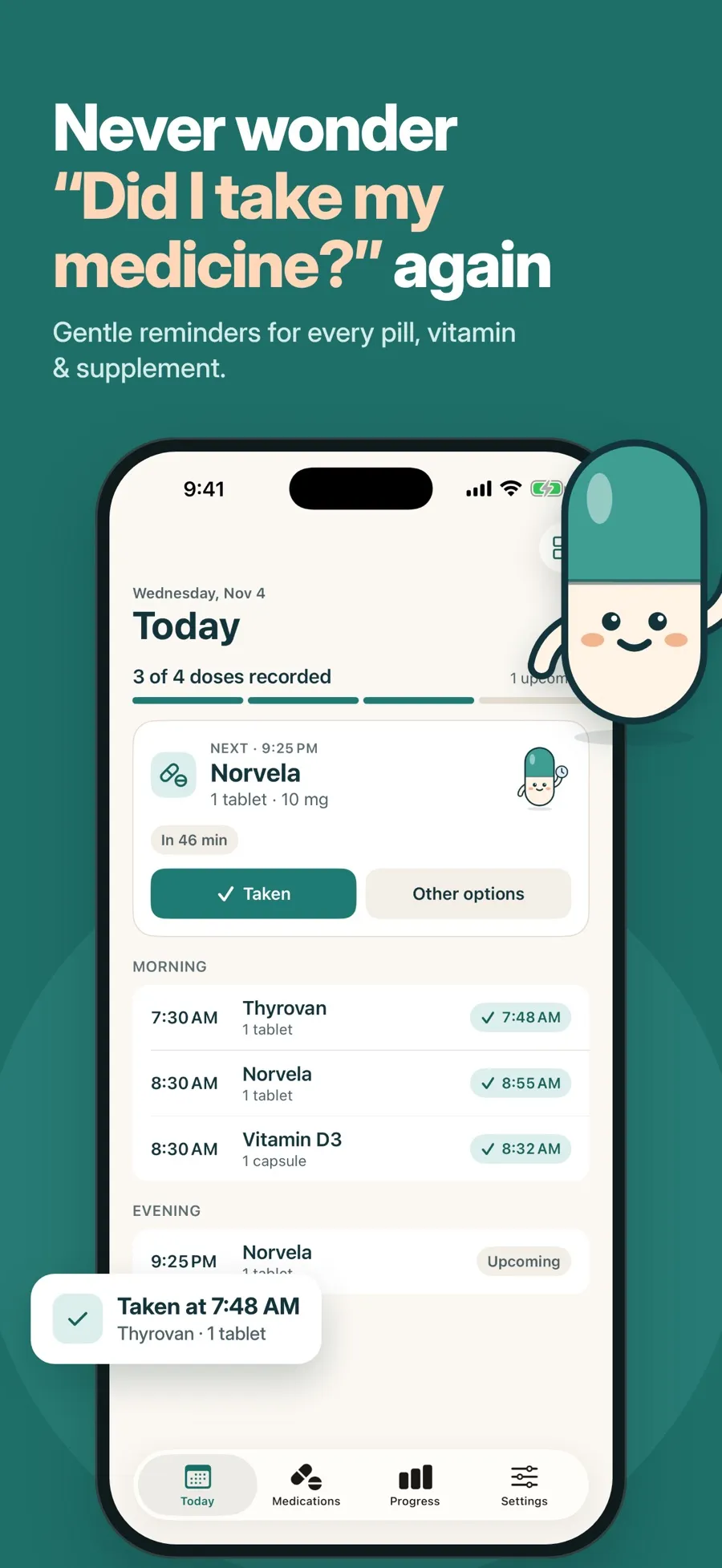
Today shows what’s next and what’s done. Progress shows your week and month, and every dose you recorded.
The app reminds you of the schedule you enter. It doesn’t suggest doses or times and doesn’t replace your doctor or pharmacist.
Everything you need to keep up with a daily routine, and nothing that nags.
Every day or on chosen weekdays, at as many times as you need. “Remind me later” moves only that one reminder, never your schedule. On iOS 26 or later you can add a louder alarm for important doses.
Taken or skipped in one tap, with Undo. Add a dose you forgot to record, or correct its time.
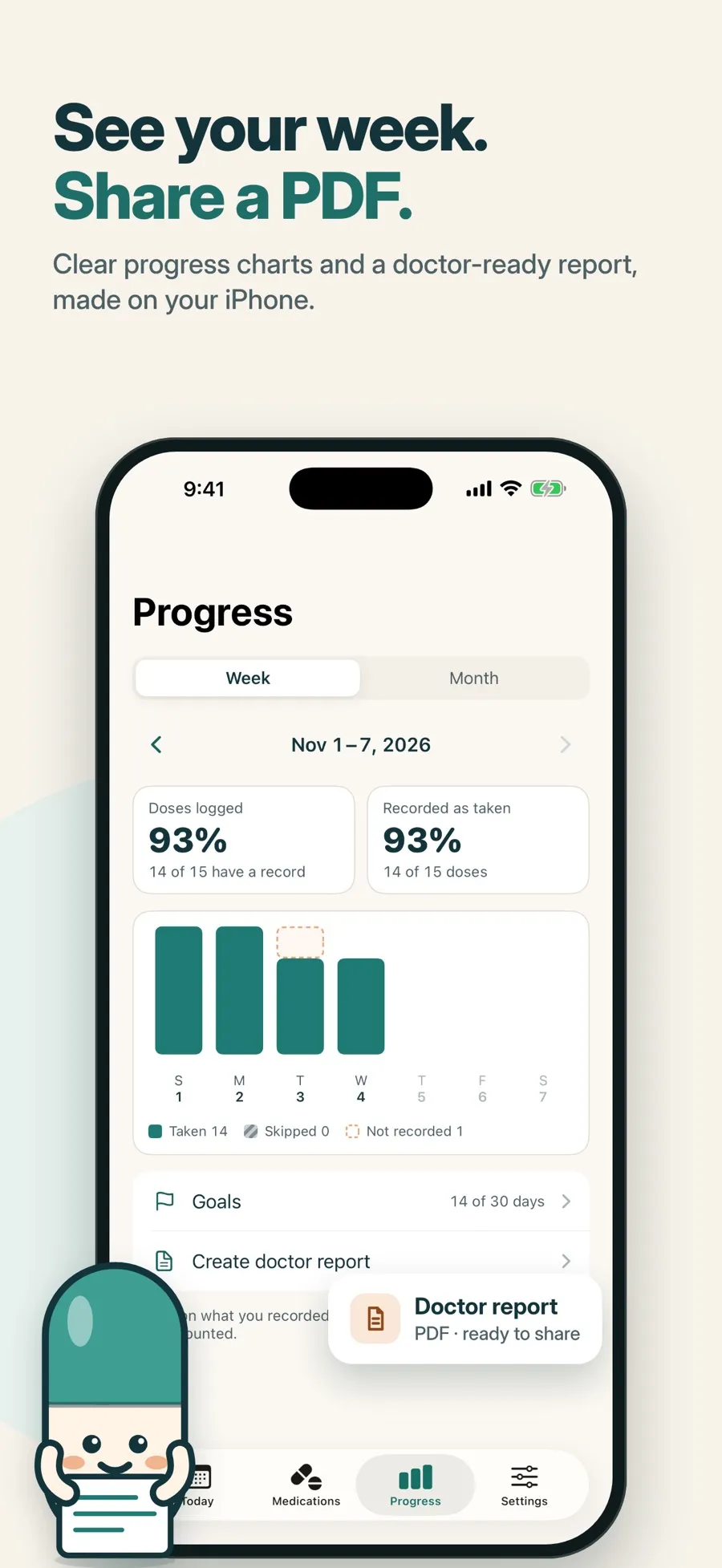
Week and month charts of what you recorded, and gentle goals with no streak to lose.
Pick a date range and medications, preview the record and share or print it.
No account. Lock the app with Face ID and hide medication names on the Lock Screen and in widgets.
Screens from the current App Store listing.
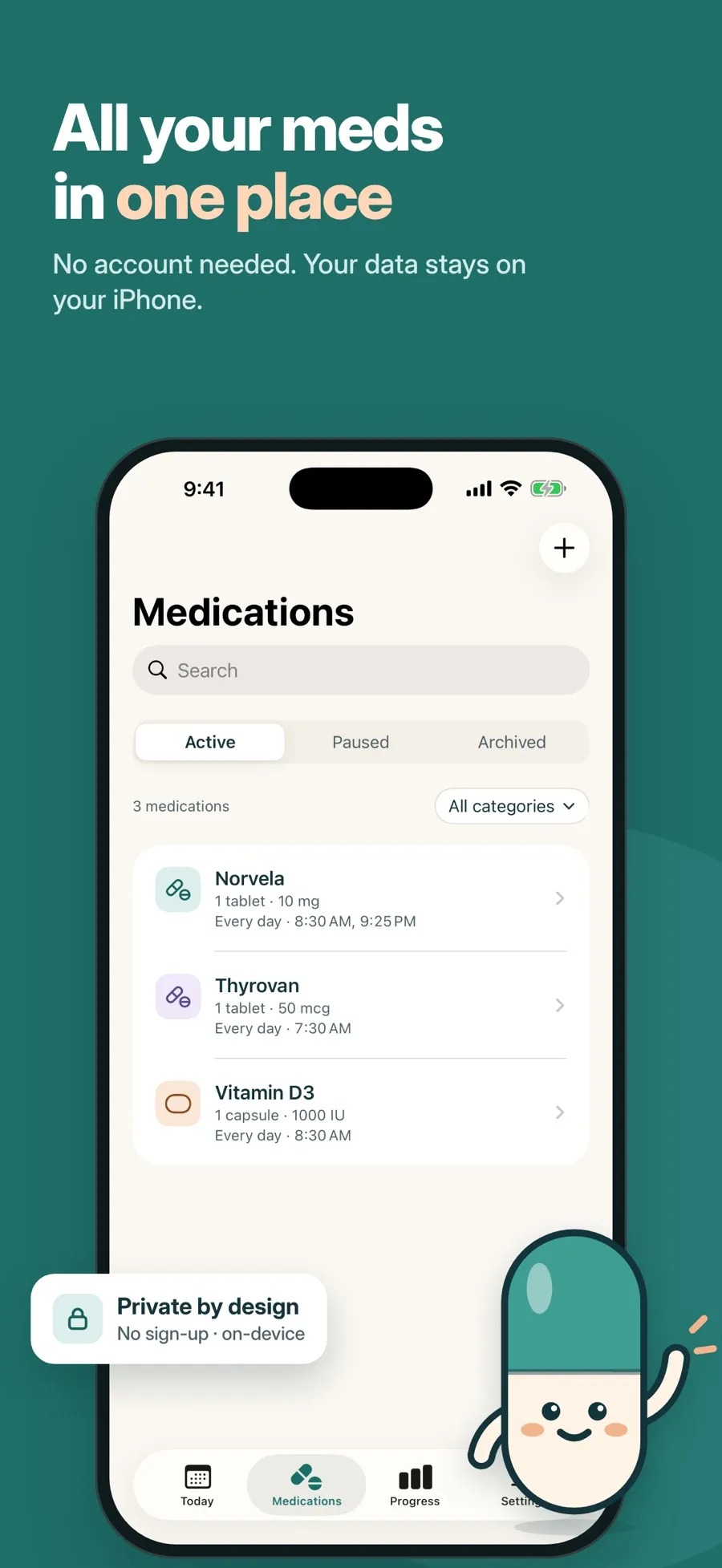
There’s no account to create. Your medications, schedules and dose records are stored on your device. You can lock the app with Face ID, hide medication names on the Lock Screen, and export or delete all your data from Settings.
The App Store privacy label lists the data the app collects, such as purchase history, a device ID, product interaction and diagnostics. It isn’t used to track you.
The download is free and includes one medication with reminders, the dose log and your progress. Premium, a weekly or yearly subscription, adds more medications, alarms, widgets and the doctor PDF. Current prices are shown in the App Store for your country.
Yes. Tap Taken on the notification and the dose is recorded without opening the app. Not yet opens the app, where you can skip the dose or choose Remind me later.
One medication with reminders, the dose log, progress charts, Face ID lock and data export. Premium adds more medications, alarms, Home Screen widgets and the doctor PDF report.
Every day or specific days of the week, at one or more times, with an optional start and end date. It doesn’t do every-few-hours intervals, pill-pack cycles or as-needed doses. For a break week you can pause reminders and resume them later.
No account is needed. Your medications and dose records are stored on your device. You can export them as CSV and JSON files at any time.
No. It doesn’t read from or write to the Health app, and there’s no Apple Watch app.
No. It reminds you of the schedule you enter and records what you tell it. Ask your doctor or pharmacist about doses, timing and missed doses.
Set it up once, then just tap Taken.