Draw or scan your signature
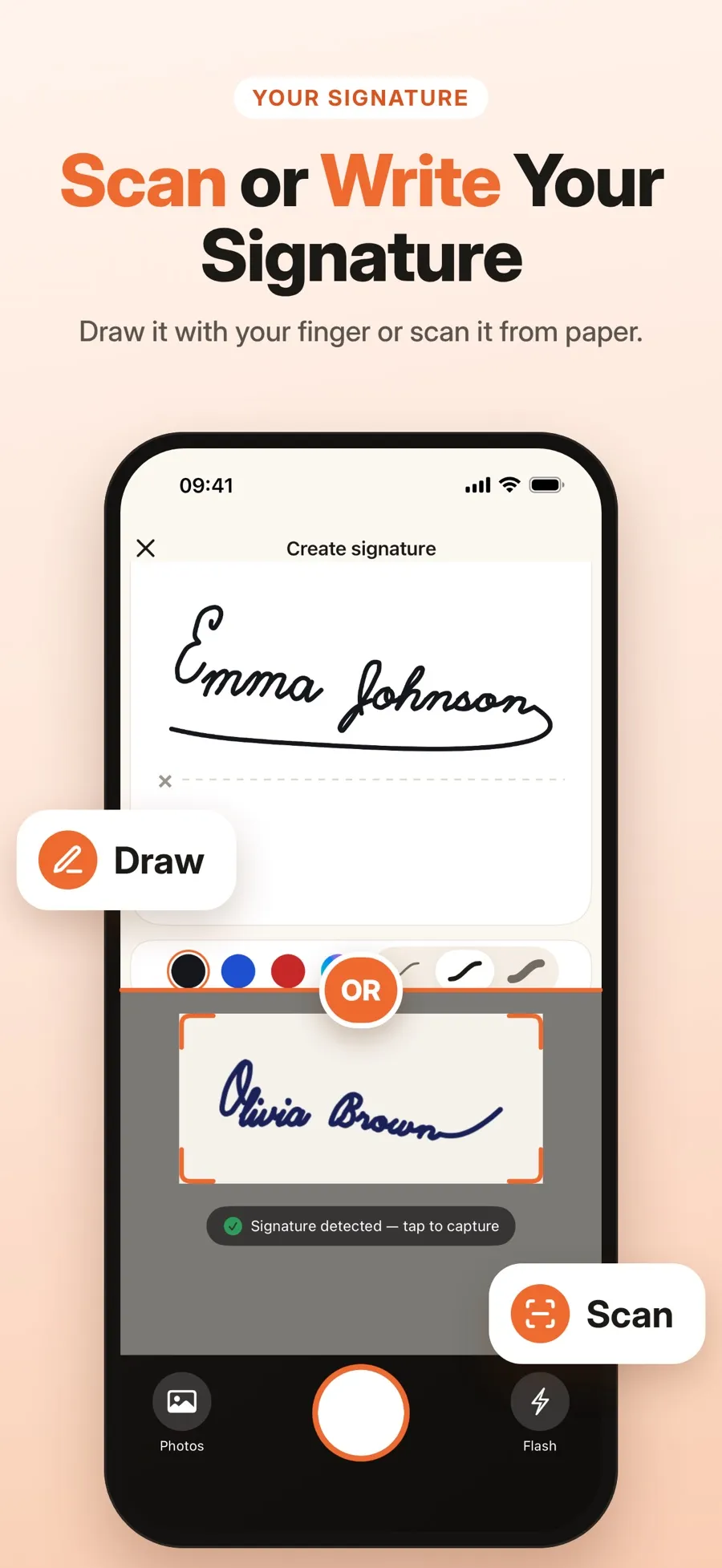
Draw with your finger in any color and three line widths, with undo and redo. Or photograph a signature on paper: it’s detected, cropped and its background removed.

Draw your signature with your finger or scan the one you signed on paper. Place it on any page and save a signed copy. The original stays unchanged.

Three steps from a blank page to a signed PDF. Your documents stay on your device.
Draw it with your finger in black, blue, red or any color, or scan the signature you wrote on paper. The background is removed for you.
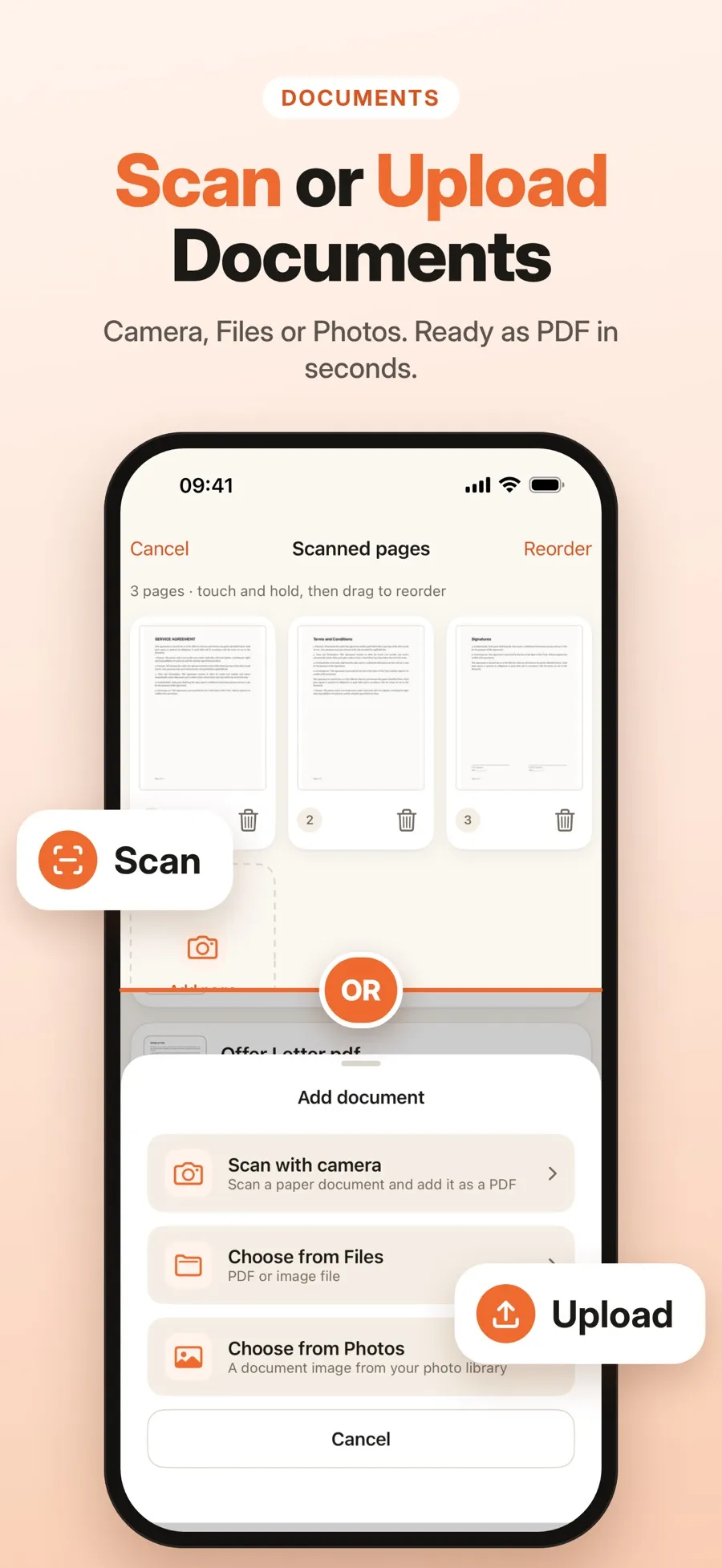
Open a PDF from Files, pick photos, or scan paper pages with the camera. Edges are found and the perspective is straightened.
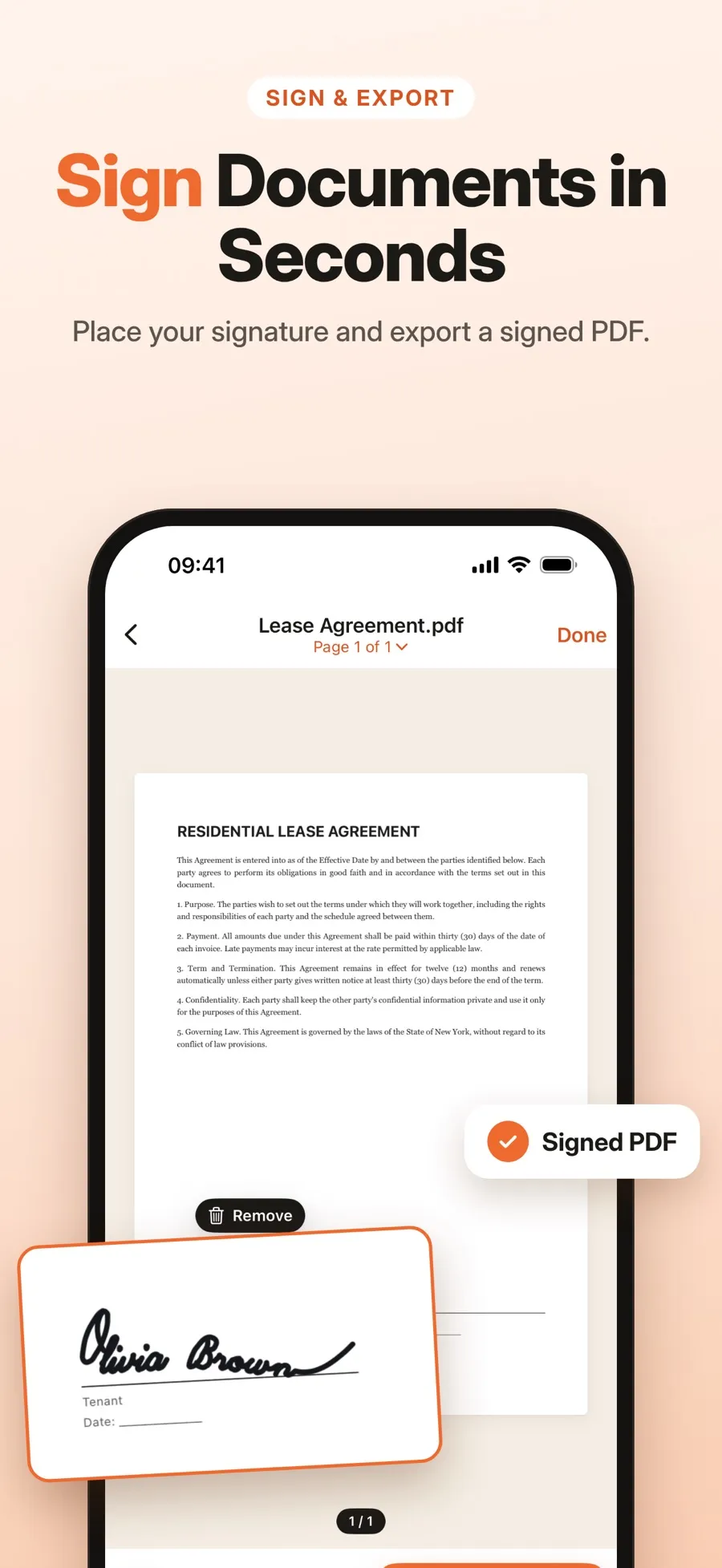
Put your signature on any page, then move, resize or rotate it. Save a signed copy when you’re done.
Drawing, scanning and signing are free. Sharing a signed PDF or saving it to Files is part of Premium.
Everything you need to sign a document on your phone, with no account and no printer.
Draw with your finger in any color and three line widths, with undo and redo. Or photograph a signature on paper: it’s detected, cropped and its background removed.
Scan one page or many in a row. Edges are detected, perspective is corrected, and you can reorder or delete pages.
Open PDFs from Files or turn photos from your library into a document.
Keep several signatures in your library and reuse them on any document.
Save a draft and finish later, or create a signed copy. The file you started with isn’t changed.
Screens from the current App Store listing.
You don’t need an account. Your documents and signatures are stored on your iPhone or iPad and aren’t uploaded to a server.
The App Store privacy label lists the data the app does collect: purchase history, a device ID, product interaction, coarse location and crash data.
The download is free, and drawing, scanning and signing are included. Premium, a weekly or yearly subscription, unlocks sharing and saving signed documents. Current prices are shown in the App Store for your country.
It’s free to download, and drawing, scanning and signing are free. Sharing a signed PDF or saving it to Files needs Premium, a weekly or yearly subscription.
No. Documents and signatures are stored on your device and you don’t need an account. The App Store privacy label lists the limited data the app collects, such as purchase history and crash data.
Yes. Scan it with the camera: the signature is detected, cropped and its background removed. You can also import a photo of it.
No. You can save a draft or create a signed copy. The original file stays as it was.
It depends on the document and the country. The app places an image of your handwritten signature on the page; it doesn’t add a certificate-based digital signature. If a document needs a certified e-signature, ask whoever requested it.
iPhone and iPad with iOS 18 or later.
Make your signature once and it’s ready for every document.